


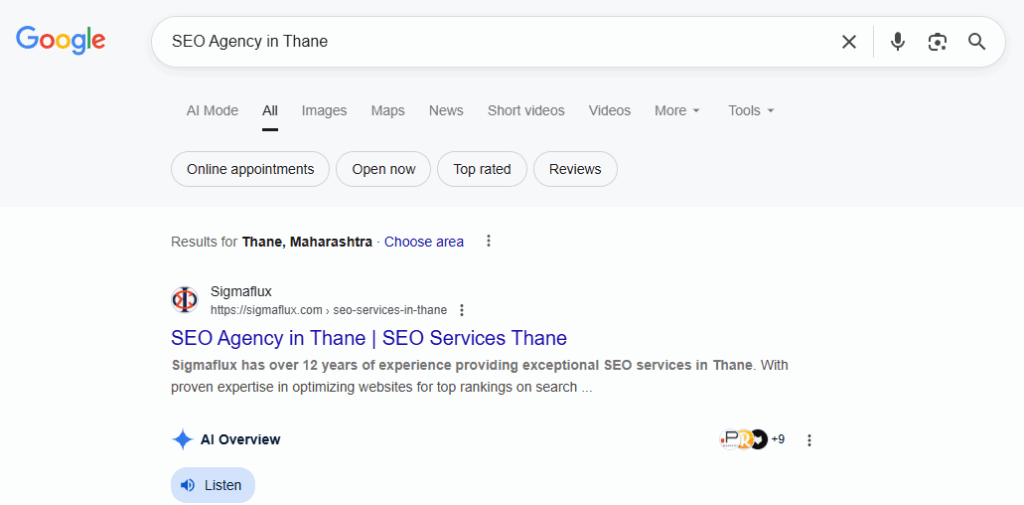
When you search for something on Google these days, you can see a box at the top with an AI-written answer. This is called the AI Overview. Google’s AI collects bits of information from different websites, combines them, and shows you a summary.
If you run a website or blog, the dream is to have your content chosen for that box because it means that more people will see your site. But you might be thinking, how to make it happen?
The answer is that you should write content that is clear, informative, reliable, and easy to understand.
Here’s a simple, step-by-step guide.
Google’s AI wants to give people quick help. That means your page should answer the main question right away.
If a question is searched, say, “How to clean white shoes,” then your page should contain content that will be easy to understand and to the point. This is the part that the AI picks to be displayed.
Then you can explain the details later, such as a step-by-step guide, extra tips, what to avoid, etc.
AI likes organized content just like humans. Break your blog into small parts:
Doing all this makes it very easy for Google’s AI to understand your content and pick it up for the overview.
Avoid using overly complex vocabulary. Instead, imagine that you are explaining the concept to someone who knows nothing about it.
Bad: “Footwear maintenance requires periodic cleansing agents for longevity.”
Good: “To make shoes last longer, wash them regularly with simple cleaning ingredients.”
Simple, clear writing = better chance to rank.
If your topic is “Benefits of Green Tea,” don’t just write one point like “It’s healthy.”
Instead, add more:
The more complete your content is, the more useful it becomes for readers and the more attractive it is to Google’s AI.

Google doesn’t want to show random or fake information. It prefers websites that look trustworthy. That’s where E-E-A-T comes in:
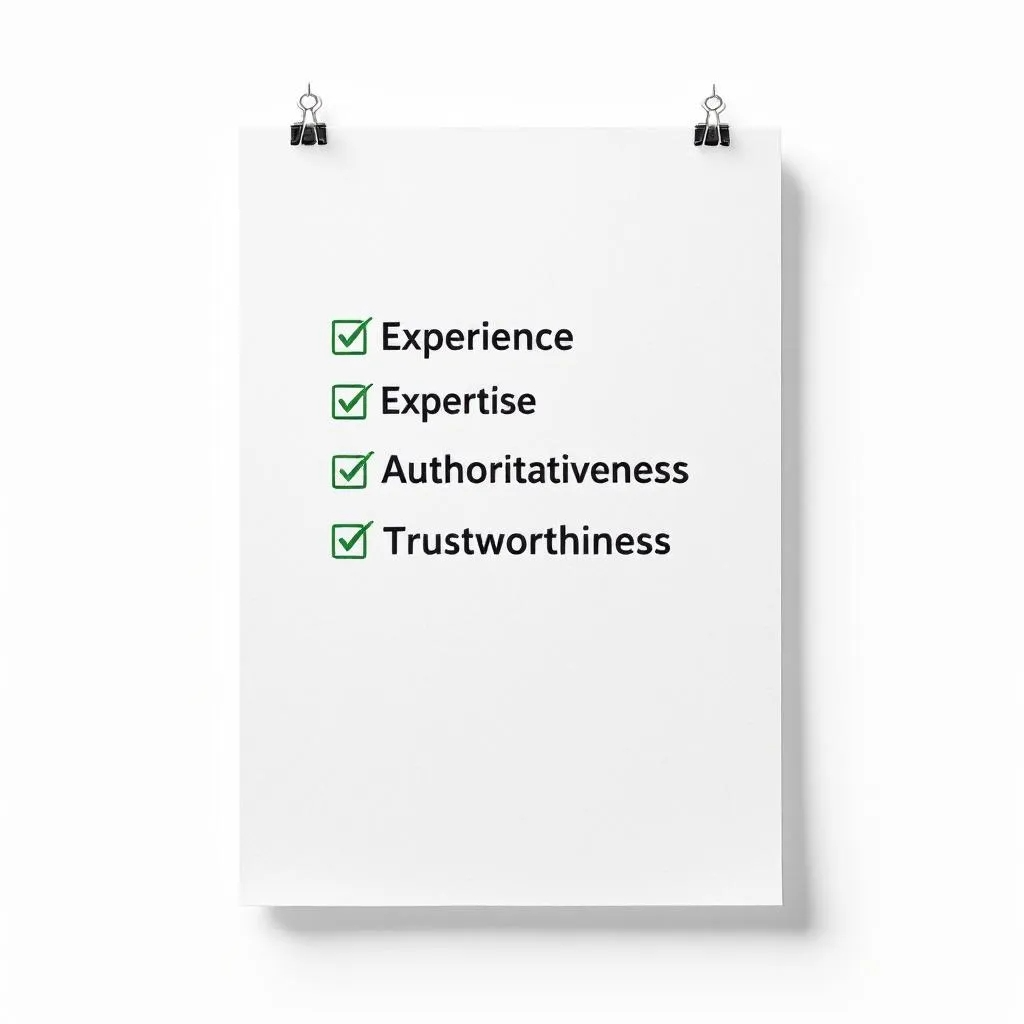
Share if you’ve actually tried it. For example, you can mention how you used a particular method yourself, and it worked great.
Show you know your stuff. Add your qualifications, or at least explain clearly with facts.
Prove you’re not alone. Get mentioned by others, get reviews, or write guest posts.
Be honest. Add your name, bio, a clear contact page, and don’t make false claims.
Even a beginner blogger can show E-E-A-T. For example, if you write about cooking, share your personal recipes with photos instead of copying from somewhere else.

On the internet, when high-quality websites link to your page, it signals trust and authority, much like a vote of confidence. These links are called backlinks.
The more strong backlinks you have, the more Google trusts your content. And when Google trusts you, your chances of being chosen for the AI Overview go up.
Nobody wants old, outdated advice. Google prefers fresh content.
Fresh = trustworthy.
FAQs (Frequently Asked Questions) make your article look complete and also help Google AI grab short answers.

Example for “cleaning shoes”:
Q: Can I use toothpaste to clean shoes?
A: Yes, toothpaste works for small stains, but baking soda is better for full cleaning.
Google notices if readers leave your site quickly. If people stay and enjoy your page, it’s a good sign.
There is no trick in getting your content on Google’s AI Overview. It is about being useful, clear, and credible.
Here’s the simple formula again:
By following these simple steps, you give your content the best chance to be featured as the AI Overview box in Google. This brings with it added readers and visibility.
If you want expert help in writing content that not only ranks but also gets featured in Google’s AI Overview, Sigmaflux Marketing Agency is here for you.

At Sigmaflux, we infuse smart SEO strategies, AI-powered insights, and people-first writing, thus giving the content love by the search engines and trust by readers. Whether small business owners or growing brands, blogs, web pages, and campaigns are assembled to increase visibility and bring about visible outcomes. Partner with Sigmaflux today and see your content rise to the top.